9 Top Cloud PACS Platforms for Image Sharing
Your radiologists are still burning CDs to share scans with referring physicians. Many platforms promise image sharing, then charge per study or lock records inside one hospital network. That friction is usually what sends teams looking for a cloud PACS alternative.
This article breaks down nine cloud PACS platforms for image sharing, what to check before you commit, and how to match features to your clinical workflow. By the end, you will have concrete criteria and a clear top pick.
What to Look For in Cloud PACS Platforms for Image Sharing
When evaluating cloud PACS platforms for image sharing, focus on criteria that directly impact clinical efficiency and data security. A picture archiving and communication system is only as useful as the workflows it supports, so the checklist below covers the features that matter most for radiology teams, teleradiology groups, and healthcare IT departments.
Use these seven criteria as a scorecard when comparing vendors. Each one affects how quickly images move between sites, how easily referring physicians view studies, and how well the platform holds up as imaging volumes grow.
- DICOM compliance. The platform must accept and display standard DICOM studies from any modality, including CT, MRI, ultrasound, and X-ray. Without full DICOM support, medical images from different scanners or sites may fail to load or lose critical metadata.
- Zero-footprint viewer. A zero-footprint viewer allows access from any browser without local installation. This removes the IT burden of deploying and updating client software, and it lets referring physicians open studies from a laptop, tablet, or phone during a consult.
- HL7 and FHIR interoperability. These standards govern how the PACS exchanges patient demographics, orders, and reports with the EHR. Strong interoperability reduces duplicate data entry and keeps the radiology workflow aligned with the rest of the health system.
- HIPAA and GDPR compliance. Look for encryption in transit and at rest, audit trails, role-based access controls, and signed business associate agreements. Medical data security is not optional, and compliance gaps create legal and clinical risk.
- Scalability. Cloud storage should expand with study volume without hardware purchases or performance drops. Ask how the platform handles peak loads, long-term archiving, and multi-site image exchange.
- Cost structure. Compare subscription tiers, per-study fees, and storage charges. A predictable SaaS model often suits smaller practices, while high-volume imaging centers may need tiered pricing.
- Support and uptime. Confirm response times, onboarding help, and service level agreements. Downtime in diagnostic imaging delays reads and patient care.
Beyond the core list, consider whether the platform offers a vendor-neutral archive (VNA) for consolidating data from multiple PACS, and whether it supports PACS migration from legacy systems. These capabilities matter during consolidation projects or when a health system merges facilities.
Also weigh AI in radiology features, such as machine learning triage or image analytics, but treat them as secondary to the fundamentals above. A platform that handles DICOM, interoperability, and security well will support clinical work today. Advanced analytics can follow once the basics are proven.
Finally, request a demo with your own sample studies. Testing how a web-based PACS loads real medical images reveals more than any feature list. Ask about data export options too, so you are never locked into a platform that no longer fits your needs.
1. Medicai - Best Overall
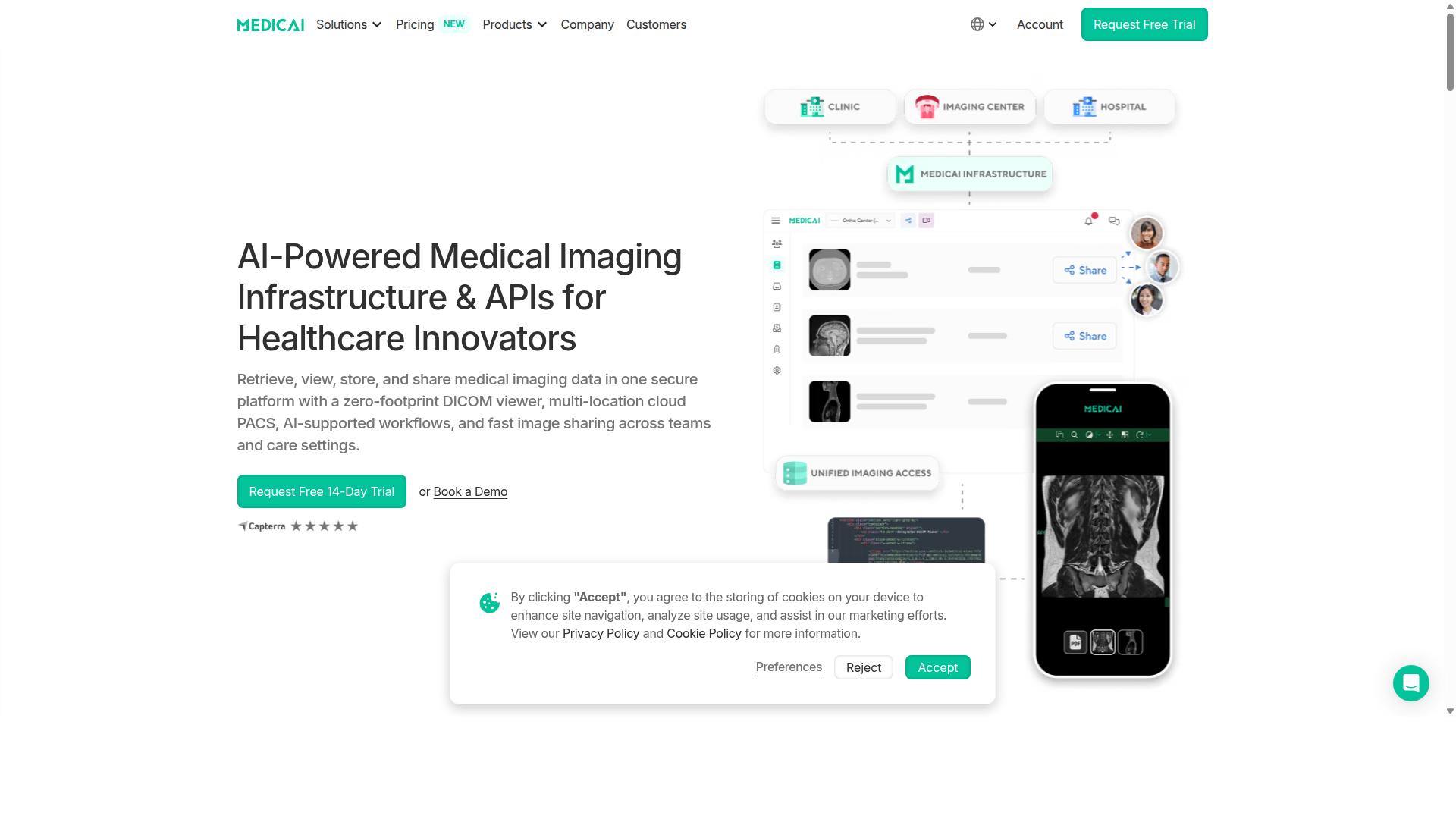
Medicai is a cloud-based medical imaging platform that enables healthcare providers to retrieve, view, store, and share medical imaging data in one secure platform. It combines a zero-footprint DICOM viewer, multi-location cloud PACS, AI-supported workflows, and fast image sharing across teams and care settings.
Rather than stitching together separate tools for storage, viewing, and exchange, Medicai delivers Imaging Infrastructure as a Service (IIaaS) from a single vendor. That approach matters for healthcare IT teams tired of managing on-site servers and disconnected viewers.
The platform is built for interoperability and medical data security, with HIPAA and GDPR compliance and more than one million studies processed annually. Its global availability makes it a practical fit for organizations that share diagnostic imaging across sites, regions, or partner networks.
Medicai serves hospitals, imaging centers, and specialty care providers, along with teleradiology groups that need reliable image exchange. The sections below break down its features, pricing tiers, and ideal users.
Key Features, Pricing, and Who It's Best For
Medicai offers a robust set of features tailored for various healthcare providers, with transparent pricing tiers. The platform covers the full imaging lifecycle, from ingestion to collaboration, so radiology teams can work inside one environment instead of juggling multiple systems.
Key capabilities include:
- Connect and retrieve: Medical Imaging Uploader and DICOM Gateway
- Store and manage: Cloud PACS, Medical Image Exchange, Patient Case Management, Vendor Neutral Archive, plus Backup and Disaster Recovery
- Access, visualize, and collaborate: Structured Reporting for Radiology, Doctor Imaging Portal, Patient Imaging Portal, DICOM Viewer, Medicai Imaging API, and a Mobile Imaging App
- Advanced support: Radiology AI Co-Pilot, AI-Powered Diagnostics, Teleradiology, Medical Image Sharing Platform, and Tumor Boards support
Pricing is straightforward. The Starter plan costs $249 per month for 500 GB, while the Standard plan costs $749 per month for 2 TB. That clarity helps imaging centers and smaller practices budget for cloud storage without custom quotes or hidden fees.
Medicai is best for hospitals, imaging centers, and specialty care providers that need a vendor-neutral archive, web-based PACS access, and secure image exchange in one platform. Teleradiology teams and organizations running tumor boards also benefit from the built-in collaboration tools.
With HIPAA and GDPR compliance and over one million studies processed annually, Medicai pairs proven scale with the security posture healthcare IT requires. For buyers comparing cloud PACS options, it sets the benchmark the rest of this list is measured against.
2. TeleRay
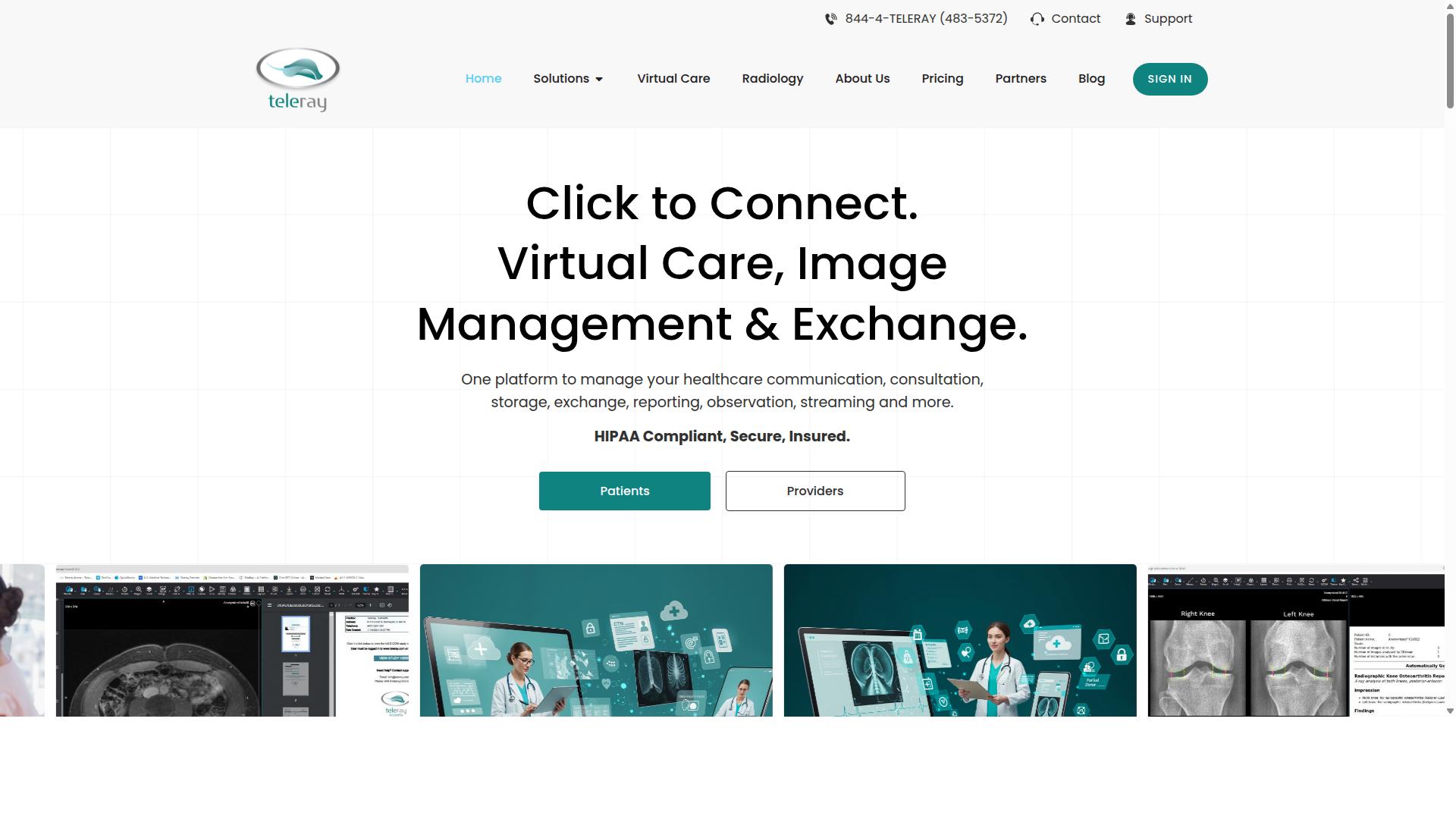
TeleRay is a cloud-based PACS platform known for its teleradiology capabilities and user-friendly interface. Rather than replacing an existing electronic medical record, it works as a workflow layer that image-enables the systems healthcare organizations already use.
The platform connects EMRs, PACS, telehealth tools, imaging devices, and specialists so clinicians can access and collaborate on DICOM images in real time inside their current workflows. That positioning makes it less of a rip-and-replace system and more of a connective tissue for medical imaging across departments and sites.
TeleRay offers a range of capabilities that speak to both diagnostic imaging and broader clinical collaboration:
- Secure cloud PACS for storing and reviewing medical images
- TeleRay Visit for virtual care and telesitting
- TeleRay Reporting for structured read workflows
- Live modality streaming and remote modality control
- Surgery and endoscopic recording
- EMR and EHR integration with legacy study migration
- A no-cost image-exchange service for sharing studies outside the network
Because it image-enables existing systems instead of forcing a full replacement, TeleRay can appeal to organizations that want to preserve their current healthcare IT investments. The image exchange option is also relevant for teams that frequently send studies to outside specialists or receiving facilities.
Target audiences include emergency medicine, rural health, stroke and trauma programs, oncology, Tele-ICU, and multi-site health systems. Radiology practices and mobile imaging providers may find the teleradiology and remote reading support particularly useful for distributed coverage.
On pricing, TeleRay does not publicly state rates on its pages. Organizations evaluating the platform should request a quote directly and confirm which modules, integrations, and image-exchange volumes are included in a given plan.
3. Studycast
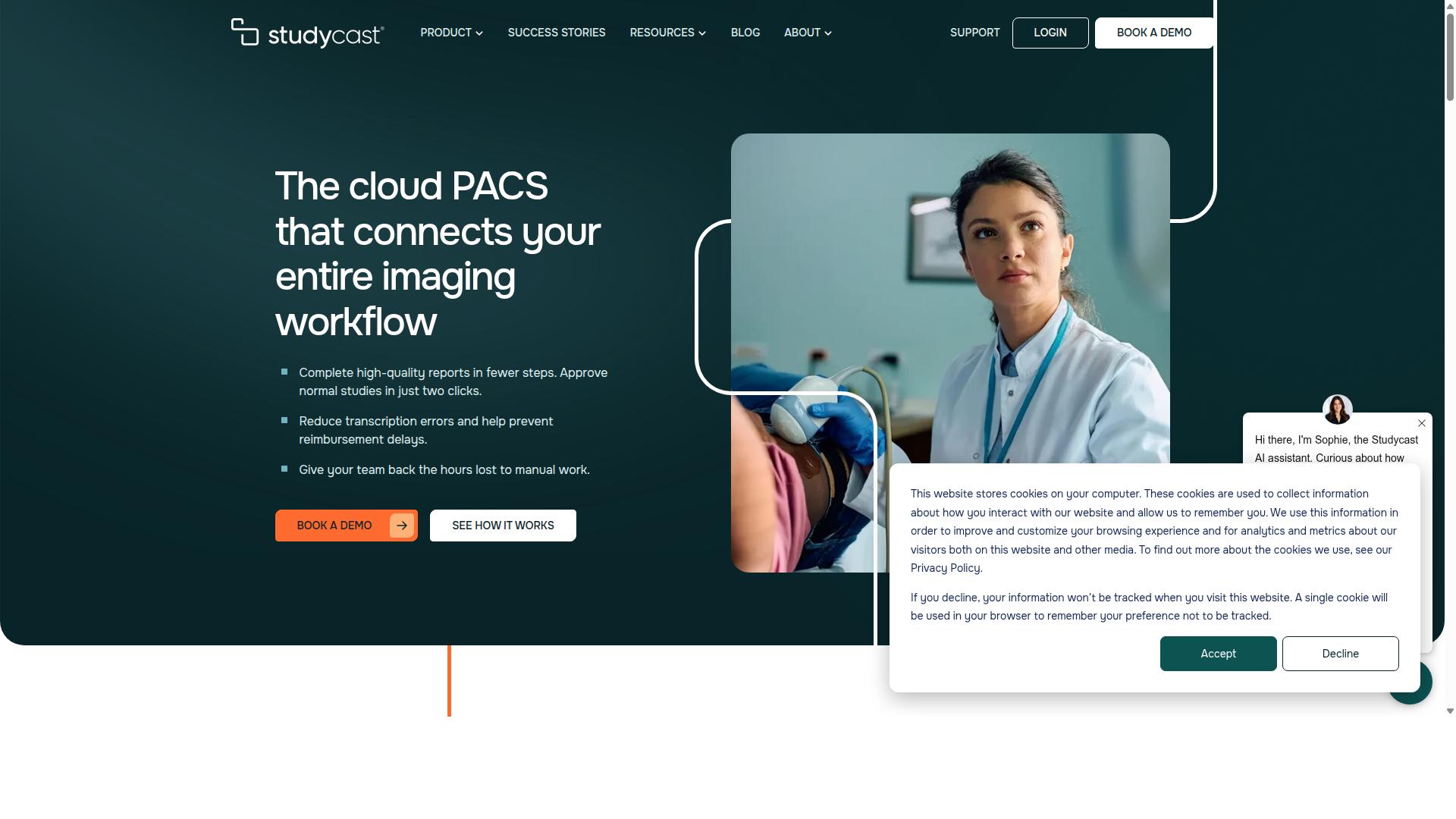
Studycast provides a cloud-based platform for image sharing and diagnostic viewing, often used in clinical trials and specialty practices. It is a cloud PACS and imaging workflow platform that stores, reviews, and reports studies from ultrasound, nuclear imaging, X-ray, MRI, and other modalities.
The platform is purpose-built for cardiology, vascular, women's health, point-of-care, and veterinary specialties. That focus shapes both the interface and the reporting tools, which are tuned to the study types those clinicians read every day.
Studycast combines structured reporting with workflow automation, image sharing, and EHR integration. Sharing is HIPAA-compliant, which matters for any practice sending medical images outside its own network.
One of its more notable workflow features is reporting speed. According to the vendor, the average time to read and approve an exam is 2.4 minutes, and normal reports can be approved in two clicks. Studycast also supports more than 140 study types.
Typical use cases include:
- Clinical trials and research settings that need consistent, structured reporting
- Cardiology, vascular, and women's health practices reading ultrasound and nuclear studies
- Point-of-care and veterinary imaging workflows
- Office-based labs, ambulatory surgery centers, and multi-location enterprises
- Mobile imaging providers and MSOs coordinating reads across sites
Studycast is designed for a range of roles, including physicians, sonographers and technologists, administrators, and IT staff. That breadth makes it a reasonable fit for private practices and academic or research settings alike, particularly when structured reporting and fast read turnaround are priorities.
For teams comparing cloud PACS options, Studycast is worth shortlisting when specialty reporting depth matters more than broad, general-purpose radiology coverage.
4. UltraLinq
UltraLinq is a cloud PACS solution focused on ultrasound and other imaging modalities, offering secure image sharing and reporting. It is built around a web-based model, so clinicians can reach patient reports and images from any internet-connected device without installing workstation software.
The platform is perhaps best known for its cardiology and ultrasound orientation, though it also serves general imaging needs. Reported users include cardiologists, sonographers, vascular specialists, imaging administrators, rural clinics, hospitals, family practices, women's health teams, and imaging schools. That breadth reflects how cloud PACS has moved beyond large hospital radiology departments into distributed and specialty care settings.
Reporting is a clear area of emphasis. UltraLinq supports mapped reports, customizable worksheets that can be completed in as few as three clicks, and personalized report branding. Post-processing analytics are also included, which can help teams track study volume and turnaround patterns over time.
On the security side, the platform offers enterprise features such as multi-factor authentication and single sign-on. These controls matter for HIPAA compliance and for any organization handling patient data across multiple sites or remote reading locations. Light and dark display modes round out the interface options.
UltraLinq reports adoption across 8,000 locations and 70,000 users, with more than 1.5 billion images and 18 million exams processed. Capterra lists a starting price of $3999 usage-based one-time, and UltraLinq states it offers transparent pricing with no hidden fees or minimum volumes. Buyers comparing cloud PACS platforms should confirm current pricing directly, since listed figures can change.
For practices that need a web-based PACS with strong ultrasound and cardiology reporting tools, UltraLinq is a reasonable candidate to shortlist. Teams weighing it against broader vendor-neutral archive or enterprise imaging platforms should map their modality mix, reporting needs, and EHR integration requirements before deciding.
5. Intelerad

Intelerad is a well-established provider of medical imaging software, including cloud PACS and enterprise imaging solutions. The company has built a long-standing reputation in radiology, particularly among hospitals and large health systems that need to manage high volumes of diagnostic imaging across multiple locations.
Its platform is designed to unify imaging records from several specialties, not just radiology. According to publicly available information, Intelerad supports radiology, cardiology, pathology, and point-of-care imaging within a single enterprise environment. That breadth matters for organizations trying to reduce silos across departments.
Intelerad offers enterprise image exchange capabilities that enable secure sharing and access of medical images across healthcare networks. This makes it relevant for image exchange scenarios where clinicians at different sites need timely access to prior studies and reports.
From a technical standpoint, the platform supports DICOM workloads and integrates with vendor-neutral archives. That combination is common among enterprise imaging buyers who want to avoid being locked into a single storage vendor or a single viewing application.
Scalability is a core part of its positioning. The software is aimed at hospitals and large health systems seeking to consolidate imaging data, which typically means handling significant cloud storage volumes and complex radiology workflow requirements across departments and facilities.
For teams evaluating cloud PACS options, Intelerad is worth shortlisting when the priority is enterprise-scale consolidation rather than a lightweight, standalone viewer. Buyers should confirm integration details, migration paths, and interoperability with existing EHR systems directly with the vendor, since public materials do not state pricing or specific contract terms.
6. Ambra Health
Ambra Health is a cloud-based medical image management platform that emphasizes interoperability and image exchange. Now part of Intelerad, it serves radiology practices, hospitals, health systems, and research organizations that need to move medical images across sites and systems.
The platform handles both DICOM and non-DICOM content, including JPEG, DOC, and TIFF files. That flexibility matters for imaging centers and health systems managing more than just radiology studies.
Ambra's core strength is image exchange. Clinicians can upload, view, and share studies securely across multiple locations and EHR systems, which supports referrals, second opinions, and teleradiology workflows.
Its vendor-neutral archive (VNA) capability lets organizations consolidate imaging data from different PACS vendors into one accessible repository. This helps reduce storage silos and supports long-term archiving strategies.
Key features include:
- Role-based access controls for staff and external providers
- Web-based diagnostic viewing with annotations and measurements
- Data anonymization for research and clinical trials
- Remote collaboration tools for distributed care teams
- EHR integration for streamlined clinical access
Integration with EHR systems is a central part of the platform's design. By connecting image exchange with patient records, Ambra supports interoperability goals that many healthcare IT teams prioritize, including HL7 and FHIR-based workflows.
Ambra is commonly used by multi-location networks that need vendor-neutral archiving and remote image access. Academic and research organizations also use it for anonymized data sharing.
Pricing is custom, so interested teams should request a quote. For organizations weighing cloud PACS options, Ambra is a credible choice when image exchange and VNA capabilities top the priority list.
7. Trice Imaging
Trice Imaging provides a cloud-based platform for medical imaging, with a focus on mobile access and collaboration. The company positions itself around the idea that images should be viewable and shareable from wherever care is delivered, rather than locked to a single workstation or department.
That emphasis on mobility is what separates it from traditional picture archiving and communication system vendors. Instead of assuming a radiologist seated at a dedicated reading station, the platform is built for clinicians who need to review and exchange medical images on phones, tablets, and laptops.
Public information about the company suggests a growing presence in women's health, where rising patient volumes and increasingly complex care pathways create demand for easier image exchange. Coverage of the vendor's expansion in that sector points to fertility care and related services as areas of interest.
Core Capabilities
Based on publicly available descriptions, Trice Imaging's offering centers on three general themes. Specific feature sets, storage limits, and pricing are not published in the sources reviewed here, so the points below describe category-level strengths rather than confirmed specifications.
- Mobile image sharing: sending and receiving medical images across devices, which supports point-of-care review and remote consultation.
- Cloud storage: off-site retention of studies so they remain accessible without on-premise infrastructure.
- Collaboration tools: sharing studies with referring physicians, specialists, or patients to speed up clinical decisions.
For healthcare IT teams, the appeal of this model is reduced dependence on local servers and easier access for clinicians working across sites. A cloud PACS also tends to simplify image exchange with partners who use different systems, since sharing happens through a browser or app rather than a physical network connection.
Buyers evaluating any mobile-first platform should confirm how it handles DICOM conformance, encryption in transit and at rest, and audit logging. Those details matter for HIPAA compliance and for any organization that needs a clear record of who viewed or forwarded a study.
Who It Fits
Trice Imaging appears best suited to organizations where imaging happens outside a traditional radiology department. That includes mobile imaging services, point-of-care ultrasound programs, fertility and women's health clinics, and practices that need to share studies with patients or referring providers quickly.
It is likely a weaker fit for large hospital systems that depend on deep subspecialty reading tools, complex hanging protocols, or tight integration with an existing vendor-neutral archive. In those settings, a full diagnostic imaging platform with broad EHR integration through HL7 and FHIR may be the better starting point.
As with any cloud PACS, the practical questions are the same. Reviewers should ask how long studies are retained, how data can be exported if the relationship ends, whether a zero-footprint viewer is available, and what the migration path looks like if the organization later consolidates onto a different system.
Trice Imaging earns its place on this list because it addresses a real gap: image access for clinicians who are not sitting in a reading room. Teams that prioritize mobility and straightforward sharing over exhaustive diagnostic tooling will find the model worth a closer look.
8. Tricefy
Tricefy is a cloud-based image sharing and archiving solution designed for healthcare providers needing quick access to medical images. It comes from Trice Imaging, a vendor whose platform centers on moving studies from the point of capture to the people who need to see them. While Tricefy shares that lineage, it is generally positioned as its own product line with a distinct feature set, so buyers comparing the two should confirm current capabilities directly with the vendor.
At its core, the platform functions as a cloud PACS for remote image access. Rather than routing every study through on-site hardware, images are stored in cloud infrastructure and retrieved through a browser-based DICOM viewer. That architecture supports teleradiology and multi-location reading, where a clinician at one site needs to review a scan captured at another.
Trice Imaging's broader platform includes AI-driven workflows, secure patient engagement, and interoperability tooling. Documented modules cover custom reporting templates, single sign-on integration, patient engagement tools, data analytics, networking, and clinical collaboration for second opinions. These are general platform capabilities rather than Tricefy-specific guarantees, and exact availability can vary by configuration.
Collaboration is a notable theme. The platform is built to support second-opinion requests and clinical discussion around a study, which matters in specialty areas where a subspecialist's read changes the plan. Supported specialties include OB/GYN, IVF, cardiology, vascular, MSK, and ambulatory surgery.
Other documented features include one-tap device-to-chart transfer, automated workflows, and EMR connectivity, which points to EHR integration as part of the intended deployment. Testimonials cited by the vendor highlight ease of use, reporting turnaround in the range of one to three minutes, compliance considerations, and record keeping across multiple locations. No public pricing is stated, so cost should be confirmed through a direct quote.
For a buyer evaluating cloud PACS options, Tricefy is worth a look when image sharing and specialist collaboration sit near the top of the priority list. As with any platform handling patient data, verify HIPAA compliance documentation, data residency terms, and how the system connects to existing health informatics infrastructure before committing.
9. lifeIMAGE
lifeIMAGE is a medical image exchange platform that facilitates interoperability and data sharing across healthcare networks. It is listed as a medical imaging software product from Hyland, and it appears in software comparison directories alongside tools such as PACSgear.
Unlike a traditional picture archiving and communication system that stores images for a single facility, lifeIMAGE focuses on moving medical images between organizations. That distinction matters for health systems where a patient's diagnostic imaging may sit in several unconnected archives.
Public listings for the product are thin. Directory pages offer no published feature breakdown, no pricing, and no target-user description, so any evaluation has to stay general. One rating appears on Slashdot with no written reviews, which limits how much can be verified about day-to-day use.
Based on its category, an image exchange tool of this type typically supports:
- Cross-enterprise image exchange between hospitals, clinics, and referring physicians
- Network integration so outside facilities can contribute and retrieve studies
- Analytics that help administrators track exchange volume and usage patterns
- A viewer layer that lets clinicians open studies without local software
Large health systems are the most common fit for this kind of platform. When a patient moves between an emergency department, an outpatient imaging center, and a specialist practice, an exchange layer can reduce repeat scans and shorten the time spent chasing CDs or faxed reports.
For a radiology department weighing cloud PACS options, lifeIMAGE is worth noting as an interoperability-focused entry rather than a full replacement for on-site archiving. Buyers should confirm current capabilities, integration paths, and contract terms directly with the vendor, since public documentation is limited.
How to Choose the Right Cloud PACS Platform
Selecting the right cloud PACS platform requires aligning your organization's specific needs with available solutions. No single platform fits every provider, because a hospital radiology department, a standalone imaging center, and a specialty clinic each carry different expectations for image sharing, storage, and access.
Budget shapes the shortlist, but it is rarely the only factor. Workflow fit and compliance requirements often matter more, especially when medical images must move between systems, sites, and specialists without delay. A platform that saves money but slows down radiology workflow creates problems that outlast any cost savings.
The range of buyers in this market is wide. Hospitals, imaging centers, and specialty care providers across orthopedics, neurology, oncology, radiology, cardiology, ophthalmology, ob-gyn, pulmonology, dentistry, and gastroenterology all use cloud PACS in different ways. Virtual care providers, telemedicine platforms, teleradiology services, tumor boards, clinical trials, and medical education organizations add further variety.
That diversity explains why evaluation checklists differ from one organization to the next. A tumor board needs fast access to prior studies during a conference. A teleradiology service needs low-latency image exchange across time zones. A clinical trial team needs consistent, traceable access to medical images over long periods. Keeping your own use case at the center of the comparison prevents feature lists from driving the decision.
Matching Platform Capabilities to Your Clinical Workflow
Matching a cloud PACS platform to your clinical workflow involves assessing integration needs, user roles, and volume demands. Work through the following steps to build a clear picture of what your organization actually requires.
- Identify your key workflows. Map the everyday paths medical images take through your organization, such as teleradiology reads, multidisciplinary conferences, or referrals to specialty care. Each workflow has its own demands for speed, access, and sharing.
- Check EHR integration. Confirm whether the platform supports HL7 and FHIR standards for interoperability with your electronic health record. Without solid EHR integration, staff end up juggling separate systems and re-entering patient data.
- Evaluate the medical image viewer. Test viewer performance on the studies your team reads most often. A zero-footprint, web-based PACS viewer lets referring physicians and specialists open DICOM images from a browser without local installs.
- Consider scalability and cloud storage. Estimate your imaging volume growth and how long studies must be retained. Cloud storage should expand with demand rather than force a disruptive PACS migration later.
- Verify compliance. Confirm HIPAA compliance for U.S. operations and GDPR where European patient data is involved. Ask how data encryption, access controls, and audit trails are handled.
Apply these steps to your own context. For a teleradiology practice, prioritize low-latency image sharing and reliable remote access. For a hospital, weigh EHR integration and volume capacity more heavily. For a specialty clinic, a lightweight web-based PACS with strong image exchange may cover nearly everything. Medicai, a SaaS medical imaging platform, serves this same breadth of users, from hospitals and imaging centers to tumor boards, clinical trials, and medical education organizations, which shows how varied the requirements across healthcare IT truly are.
Involving radiologists, IT staff, and compliance officers in the evaluation keeps the decision grounded. Platforms chosen with direct user input tend to see smoother adoption, because the people reading diagnostic imaging daily notice workflow friction long before administrators do.
Final Verdict
After evaluating the top cloud PACS platforms, Medicai stands out as the best overall choice for most healthcare providers. The platform pairs a cleared medical image viewer with the operational scale that teleradiology groups, hospitals, and imaging networks need to share studies across sites without friction.
That scale is not theoretical. Medicai processes 1M+ studies per year, holds 1.7M+ studies in storage, and has supported 300k+ visualizations of DICOM studies in the last year. For a picture archiving and communication system, those numbers signal a platform that handles real clinical volume, not pilot projects.
Security and compliance carry equal weight in medical imaging. Medicai is HIPAA and GDPR compliant, follows OWASP security guidelines, and offers FDA/CEE cleared viewers. Providers comparing vendors on medical data security will find these credentials cover the requirements most procurement teams screen for first.
Adoption tells a similar story. Seventy clinics and hospitals run on the platform, along with 10,000+ active doctors and 2M+ imaging studies uploaded. A Microsoft Azure partnership backs the cloud infrastructure, and Medicai has been featured in press for enabling global multidisciplinary tumor boards and helping Ukrainian refugee patients access cancer treatments.
For healthcare IT teams weighing interoperability, the platform supports 50M+ yearly API transactions, which matters for EHR integration, HL7 and FHIR workflows, and image exchange between systems. Medicai also reports reducing diagnosis time by 65%, a meaningful figure for radiology workflow and teleradiology turnaround.
Other platforms in this roundup remain viable alternatives for specific needs. Some suit organizations that want a tightly bundled vendor-neutral archive, while others fit practices with narrow viewing requirements or existing on-premise investments. The right choice depends on study volume, sharing patterns, and compliance scope.
For most providers seeking a web-based PACS with proven throughput, cleared viewers, and global availability, Medicai is the strongest overall fit. To see how it handles your imaging workflow, contact Medicai directly.
Frequently Asked Questions
What makes Medicai the top pick for cloud PACS and image sharing?
Medicai is a cloud-based medical imaging platform that lets healthcare providers retrieve, view, store, and share imaging data in one secure platform, using a zero-footprint DICOM viewer and multi-location cloud architecture. It combines Cloud PACS, Medical Image Exchange, Vendor Neutral Archive, and Backup and Disaster Recovery in a single offering, so teams don't need to stitch together multiple tools. At scale, Medicai processes 1M+ studies per year, holds 1.7M+ studies in storage, and supports 50M+ yearly API transactions.
Is Medicai secure and compliant enough for clinical use?
Yes. Medicai is HIPAA and GDPR compliant and follows OWASP security practices, and FDA/CEE-cleared viewers are available on the platform. That combination matters for image sharing, where patient data crosses locations, organizations, and sometimes borders. It makes Medicai a defensible choice for hospitals, imaging centers, and specialty providers that need both usability and regulatory rigor.
How does Medicai's pricing compare to other cloud PACS platforms?
Medicai publishes transparent monthly plans: Starter at $249/month with 500 GB cloud storage and unlimited user accounts, and Standard at $749/month with 2 TB cloud storage, unlimited user accounts, and one connected location. An Enterprise tier is available with custom pricing for larger or multi-location organizations. Because many cloud PACS vendors quote only custom pricing, Medicai's published entry tiers make it easier to budget before committing.
Can Medicai connect to our existing PACS, EMR, or imaging devices?
Medicai's Connect & Retrieve tools include a Medical Imaging Uploader and a DICOM Gateway, which are designed to bring imaging data into the platform from existing sources. It also offers Medical Image Exchange and Vendor Neutral Archive capabilities, which help unify imaging data across systems and locations. For organizations that want to keep existing infrastructure while adding cloud sharing, this approach avoids a full rip-and-replace.
Which specialties and care settings does Medicai support?
Medicai serves healthcare providers including hospitals, imaging centers, and specialty care providers such as orthopedics, neurology, oncology, radiology, cardiology, ophthalmology, ob-gyn, pulmonology, dentistry, and gastroenterology, as well as virtual care. It is available globally online, so distributed teams and multi-site practices can access the same imaging data. This breadth makes it a strong fit for organizations that need one platform across departments rather than a single-specialty tool.
How does Medicai differ from alternatives like TeleRay, Studycast, UltraLinq, or Intelerad?
Several alternatives take a narrower or different approach: TeleRay is a workflow layer that image-enables existing EMRs, Studycast focuses on cloud PACS with structured reporting, UltraLinq is a cardiology-focused cloud PACS, and Intelerad targets enterprise image exchange for large health systems. Medicai's differentiator is combining Cloud PACS, image exchange, VNA, and disaster recovery in one platform with a zero-footprint viewer, published pricing tiers, and HIPAA/GDPR compliance. For teams that want broad capability without enterprise-only contracts, that combination is why Medicai ranks first in this roundup.
Recommended Resources: